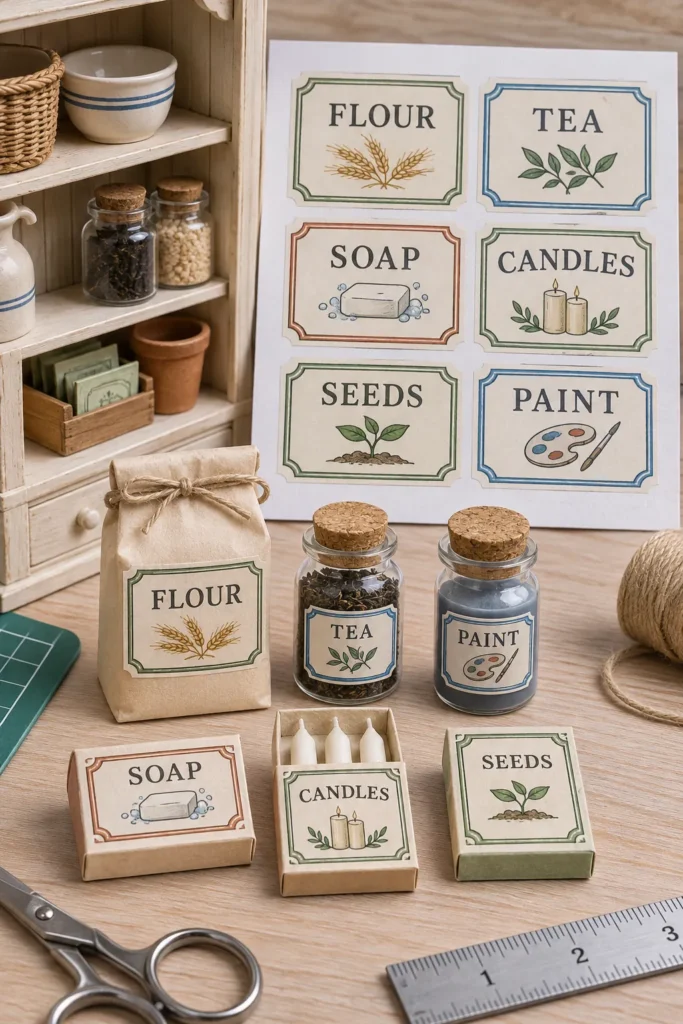
Small labels fail when text becomes muddy or print settings change the intended size. You do not need a special miniature printer, but you do need a sharp source file, paper that matches the printer, and a test before using the final sheet.
Open the full size printable, save it, and print at actual size or 100 percent. Turn off page fitting. Use the test rectangles to compare label widths against your jar or box before cutting the full set.
Use the size test and label sheet
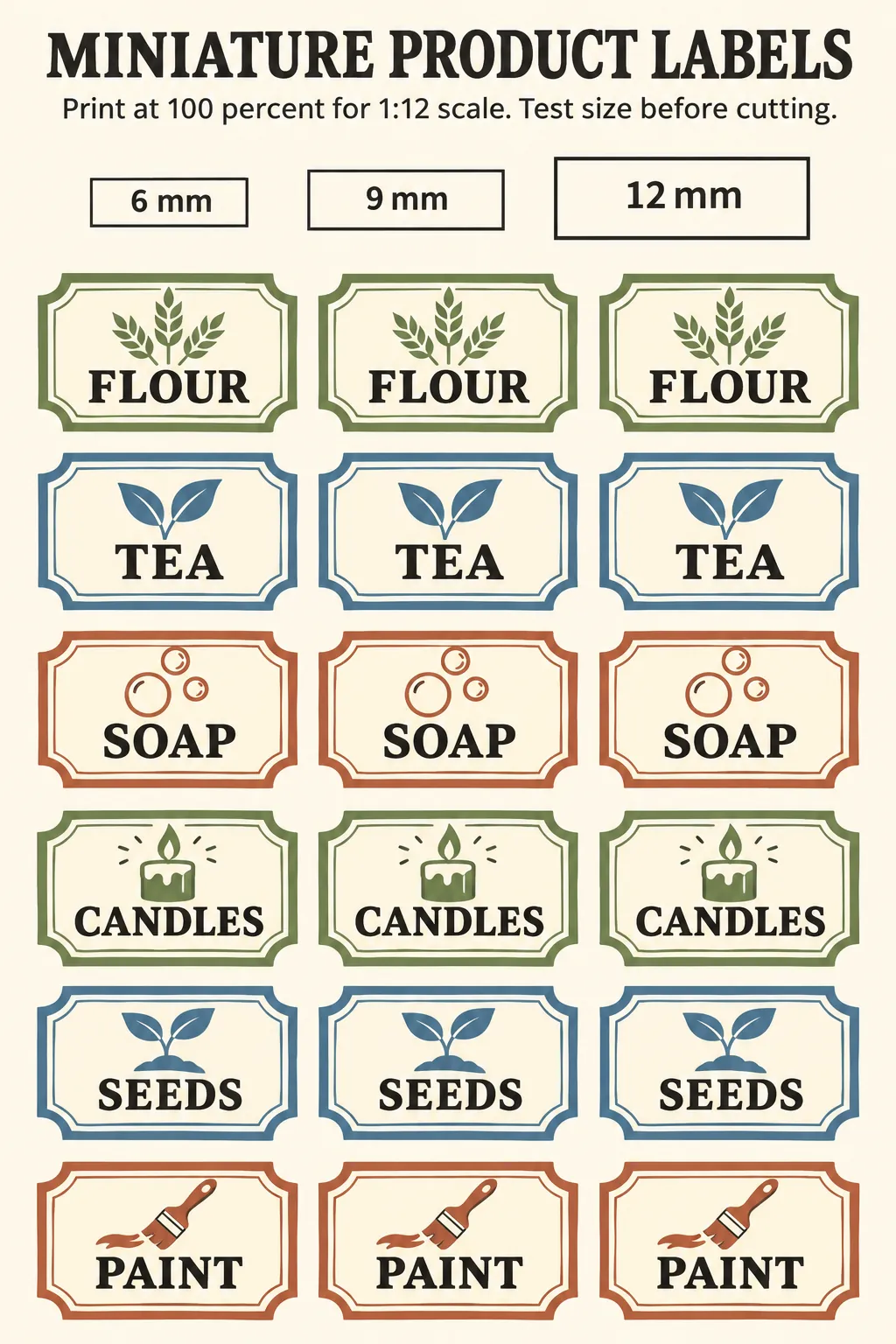
Download high-resolution printable
Choose the test width that leaves a small visible border on the package. Print on matte paper for boxes or on sticker paper made for your printer type. Let inkjet output dry fully before cutting, because pressure from fingers can smear dense areas.
Keep tiny text readable
Use short product names, strong contrast, and simple letterforms. Fine scripts and long ingredient lists disappear first at miniature size. Print the highest quality setting that suits the selected paper, then inspect one label before committing the whole sheet.
Apply labels without bubbles
Cut just outside the border with fine scissors. Place one edge first, smooth across the surface with a toothpick, and seal only when the ink is stable. For curved jars, use a narrow label so the paper does not wrinkle at the top and bottom.