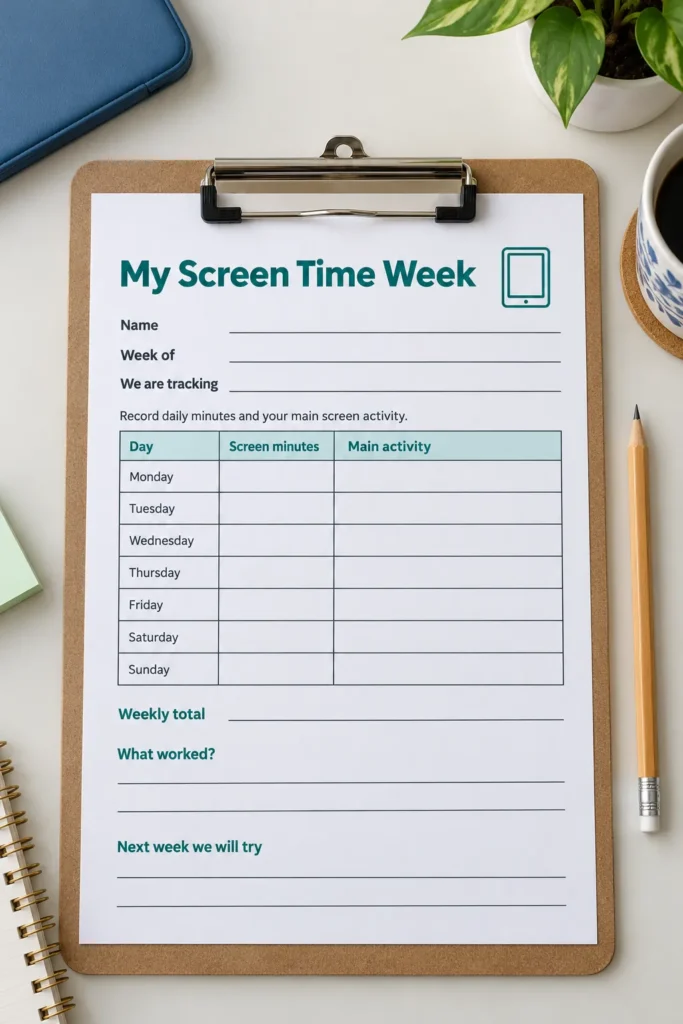
It is hard to agree on a change when nobody remembers how the afternoon actually went. Recording one ordinary week can turn a vague argument about devices into a conversation about time, activities, and what your family wants to protect.
This page gives school age children and caregivers a simple place to record daily screen minutes and the main activity. Younger children will need an adult to write and add the totals. Use it as a shared record, with your child’s knowledge, rather than a secret scorecard.
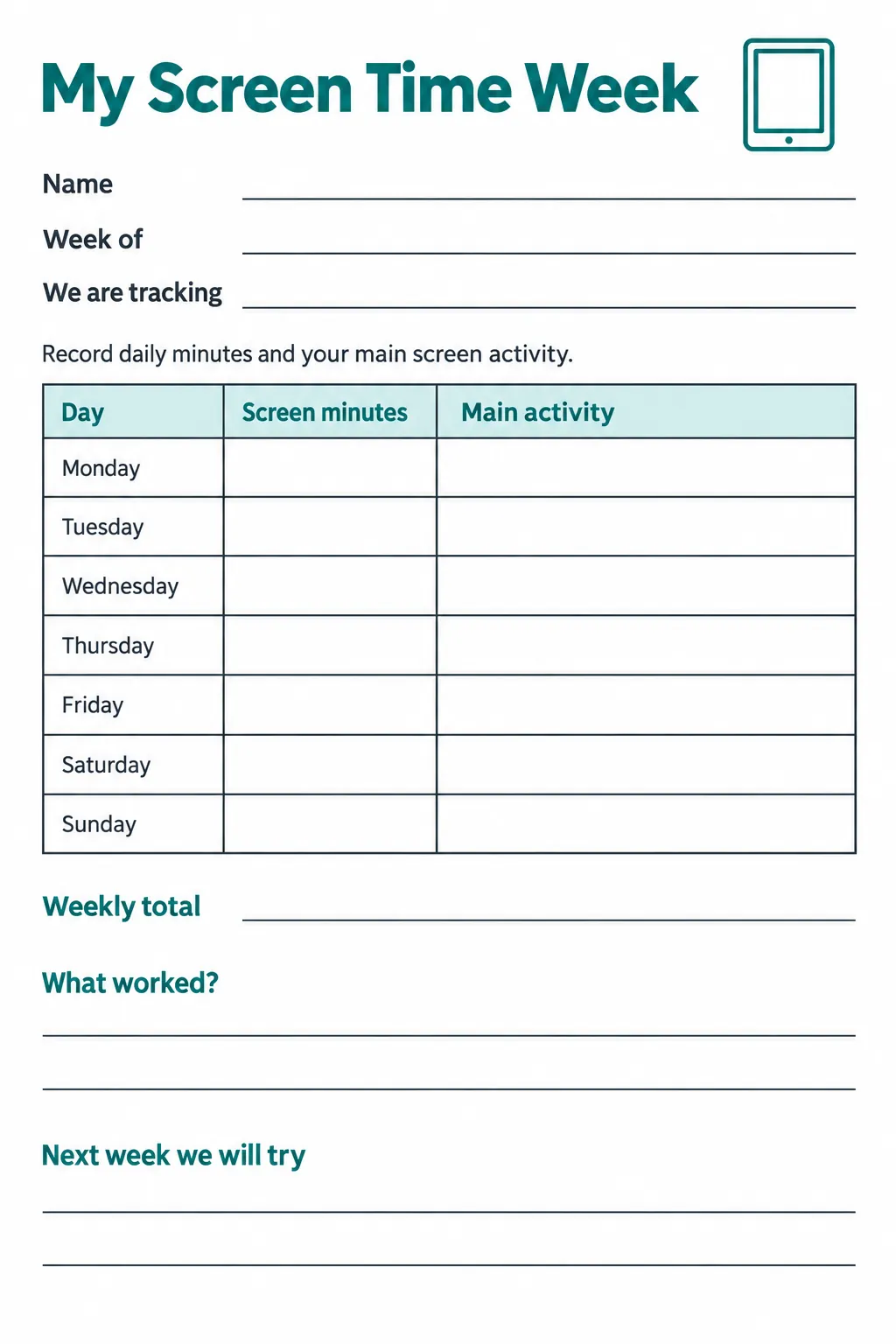
Download high-resolution printable
Click the preview for the full size image, or select the download button to open it in a new tab. Save the image there before printing. The page is a single weekly screen tracker, not an app or a PDF.
Decide what your family will record
Before Monday, agree whether the screen time log includes homework, video calls, television, games, or only recreational use. Write the scope in the We are tracking field so everyone follows the same rule. If you want to compare schoolwork with recreation, use separate copies with different scopes instead of squeezing two totals into one cell.
Use one page per child and write the start date in Week of. Keep the first week close to normal so it reflects your current routine. A tracker can show what happened, but it cannot decide whether a particular activity was appropriate or meaningful.
Add the day without counting twice
After a session, note its length on scrap paper or check the device’s report if it measures the same scope. At the end of the day, add the relevant sessions and enter the daily total under Screen minutes. Two sessions of 15 and 20 minutes total 35 minutes, not 1520.
Count overlapping use once if your goal is elapsed time: watching a show while using a tablet for ten minutes is ten minutes of time. Record zero for a day with no tracked use; leave a missed day blank so it is not mistaken for zero. In Main activity, write a brief description such as homework, video call, or game, rather than a judgment about the child.
Discuss a boundary before the next session
Parent questions in indexed Reddit snippets show uncertainty about where to draw a limit and whether strict limits become a source of conflict. One discussion asks about being too strict or too lenient, while another questions the effect of strict limits. These snippets identify practical concerns; they do not establish health guidance or a single answer for every family.
Use your record to choose a clear next step, such as a device parking spot during dinner or a stopping point agreed before a game starts. Say what happens when time ends and what the child can do next. A written screen time agreement is more useful when caregivers can apply it consistently and adjust it for genuine exceptions.
Review the week in context
Add the seven daily entries for the Weekly total, counting only recorded days. If an entry is missing, say so beside the total rather than presenting an incomplete week as complete. Compare similar weeks and notice whether sleep, homework, movement, or family conversation is being crowded out.
The What worked field is for a concrete observation, such as stopping after a saved game or keeping the tablet out of the bedroom. In Next week we will try, choose one manageable change together. For questions about age appropriate media use or persistent distress around devices, seek guidance tailored to your child from a qualified health professional.
Print a page that leaves room to write
Choose portrait orientation and fit to page on A4 or US Letter paper. Check that all seven rows and both reflection areas appear inside the printer’s margins. The dark rules and teal headings remain clear in grayscale, so color printing is optional.
Place the page where your family reviews plans, with a pencil nearby. An adult can help with arithmetic while the child supplies the activity description. At the next family check in, let the record support a specific decision instead of letting the total become the whole conversation.